Is Stardew Valley Cross Platform? Everything You Need to Know
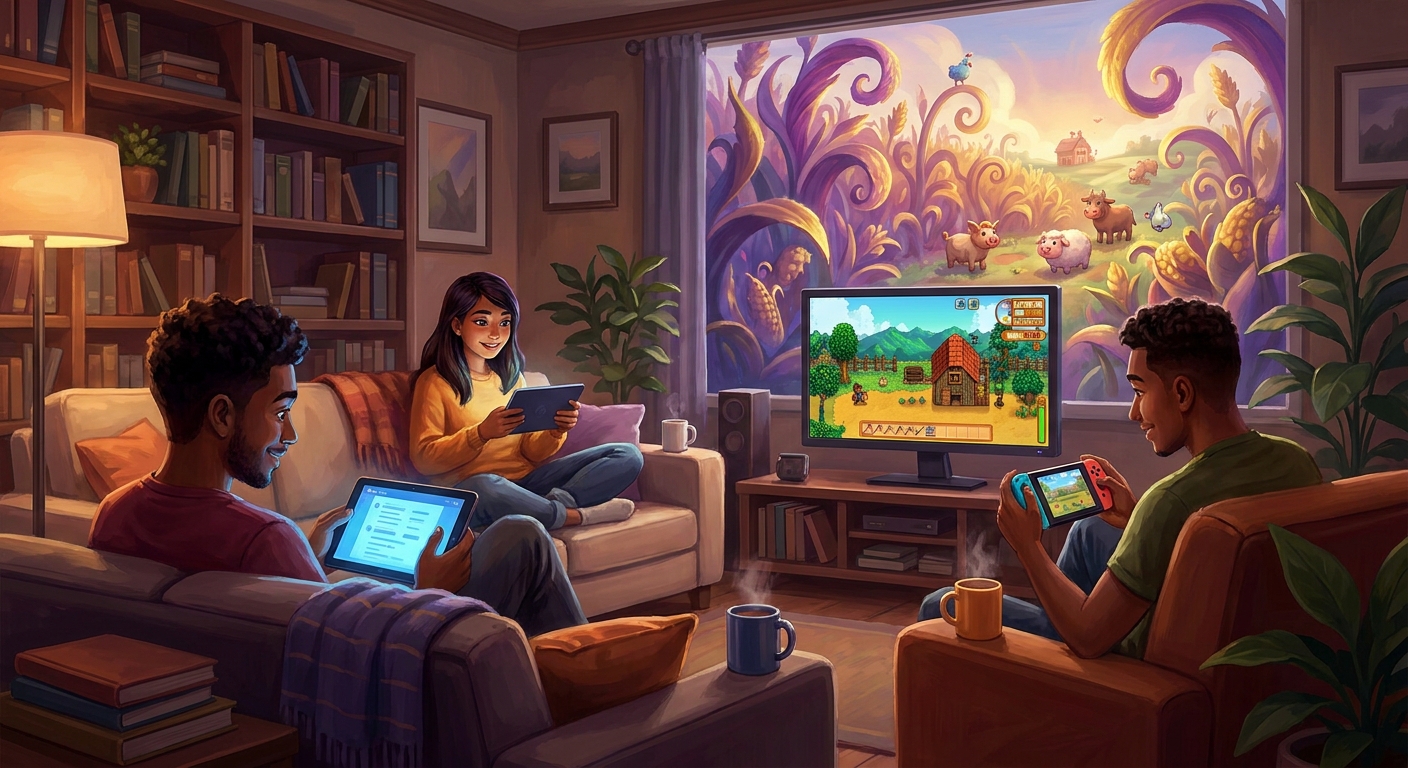
So, you are sitting there with your friends, phones and controllers in hand, wondering: is stardew valley cross platform? I totally get it. I hear this exact question all the time from gamers who just want to grow some virtual pumpkins, raise some chickens, and escape reality for a few hours with their favorite people. Let me save you the headache right now and give you the absolute truth about farming with your friends across different devices. The short answer is complicated, but understanding exactly how multiplayer works in this absolute masterpiece will save you time, money, and major frustration before you buy a copy for your entire friend group.
I remember back when rolling blackouts hit Kyiv. I was desperately trying to host a co-op farm from my trusty, battery-powered laptop while my friend Sasha was huddled around a Nintendo Switch across town. We spent hours trying to sync up, staring at connection screens, only to hit a massive wall because we simply did not understand the game’s network limitations. We learned the hard way that device compatibility is strict. My goal here is to give you the exact breakdown of how you can actually play together, what hardware you absolutely need, and how to get your farm running smoothly without hitting the same walls we did.
The Core Mechanics of Co-op Farming
There is a massive, fundamental difference between cross-play and cross-save, and knowing this distinction changes everything about how you plan your gaming sessions. Cross-play means players on entirely different ecosystems—like a PlayStation and a PC—playing in the same world at the same time. Spoiler alert: the game does not feature native, universal cross-platform multiplayer across completely different ecosystems. PC, Mac, and Linux users can easily play together. However, mobile versions have zero multiplayer functionality, and the major home consoles are completely isolated from one another.
Farming with friends changes the entire dynamic of Pelican Town. The value proposition of multiplayer is honestly staggering. Having a coordinated team makes finishing the Community Center wildly faster and way more fun. Think about it: Example one is division of labor. One person can spend the entire day deep in the dangerous mines gathering copper and iron, while another stays top-side to water a massive field of blueberries. Example two is financial pooling. You can combine your early-game money to buy crucial bag upgrades or unlock the horse stable much earlier than you ever could solo.
| Platform | Cross-Play Support | Cross-Save Support |
|---|---|---|
| PC (Windows/Mac/Linux) | Yes (among PC types) | Yes (manual file transfer) |
| PlayStation / Xbox / Switch | No | No |
| Mobile (iOS/Android) | No Multiplayer | Yes (PC transfer only) |
If you are lucky enough to be on compatible devices, setting up your shared farm is a breeze. Just follow these exact steps:
- Launch the game and navigate directly to the Co-op menu on the title screen.
- Choose the Host option to either start a brand new farm or load an existing single-player save (just make sure Robin has built enough cabins for your friends).
- Share your generated invite code with your friends, or use your platform’s built-in friends list to send direct invites to their screens.
- Have your friends enter the invite code in their Co-op menu to instantly drop into your world and start planting parsnips.
Origins of Multiplayer
To really understand the current networking situation, we have to look back at the origins. Eric Barone, known globally as ConcernedApe, originally built this phenomenal game as a strictly solo project. Every line of code, every pixel of art, and every musical note was designed for a single-player experience. Multiplayer wasn’t even a functioning concept when the game first launched to massive critical acclaim. It was only after the community practically begged for a way to play together that the incredibly complex process of rewriting the underlying engine to support multiple farmers began.
Evolution Across Different Platforms
The evolution of multiplayer took years to roll out across different devices. PC players got their hands on the co-op beta first, testing the waters and finding all the hilarious bugs that come with multiple people trying to ride the same horse or trigger the same cutscene. Slowly, the update was ported to the Nintendo Switch, then eventually made its way to PlayStation and Xbox. Because each port was handled and optimized for specific console architectures, the networking protocols were built using those specific console frameworks rather than a unified external server.
The Modern State of Multiplayer
Even right now in 2026, the networking architecture remains highly compartmentalized. The modern state of the game offers incredibly stable connections if you stay within your designated lane, but the borders between those lanes are totally closed off. Console manufacturers historically maintain strict control over their online ecosystems. While some massive AAA studio games force cross-play through custom-built server farms, indie titles generally rely on the built-in matchmaking services of whatever platform they are running on, which naturally creates these walled gardens we see today.
How the Netcode Actually Operates
When you dive into the technical side, the absence of universal cross-play makes perfect sense. The game utilizes a peer-to-peer (P2P) networking model. This means there are no massive, dedicated central servers hosted by ConcernedApe sitting in a data center somewhere. Instead, the host player’s actual hardware acts as the server. Your computer or console is actively managing the world state, the AI of the villagers, the growth cycles of the crops, and sending that data directly to your friends’ machines. If your machine shuts down, the entire farm ceases to exist for everyone else.
The Backend Ecosystem Barriers
The major barrier is how different platforms handle this P2P handshake. Steam relies on Steamworks API to connect players. Xbox uses Xbox Live networking APIs, and PlayStation uses PSN. These different backend ecosystems do not natively speak the same language. Bridging them requires intermediate relay servers, which is a massive financial and technical burden for a small development team.
- Tick Rate Syncing: The host machine must perfectly sync the 60-updates-per-second tick rate with client machines to prevent nasty lag spikes during combat in the mines.
- API Restrictions: Sony and Microsoft have historically strict security rules regarding packets of data coming from unverified external networks.
- Save File Architecture: Console save files are encrypted differently than PC save files, making dynamic cross-platform saving technically restrictive without a cloud-based account system.
Day 1: Determine Your Hardware Ecosystem
If you want to start a massive farm with your friends, your first step is a hardware audit. You need to gather your friend group in a group chat and definitively figure out who owns what. If three of you have gaming PCs and one person only has a Nintendo Switch, you need to make a hard decision. That Switch player cannot join the PC farm. You either all need to pivot to the Switch (if you all own one), or the outlier needs to grab the game on Steam. Getting everyone on the exact same platform family is your critical first hurdle.
Day 2: Secure the Right Game Versions
Once you match your hardware, double-check your game updates. P2P networking completely fails if there is a version mismatch. Ensure everyone manually triggers an update check on Steam or their respective console dashboard. In 2026, we are playing on highly updated patches, and even a minor discrepancy in the version number will throw a frustrating connection error when someone tries to input the invite code.
Day 3: Cabin Construction and Layout Planning
You cannot just invite friends to an empty field; they need a place to sleep! The host must ensure there is a physical cabin placed on the farm for every single player joining. If you are starting a fresh save, you can select the number of starting cabins right on the creation screen. Decide on your farm layout now. The Four Corners map is notoriously excellent for multiplayer because it gives everyone their own distinct quadrant to manage.
Day 4: Establishing Your Profit Margins
Have a serious meeting about the farm’s economy. The host has the option to keep all money pooled together in one giant shared wallet or split the money so everyone has their own individual bank account. If you have a friend who obsessively buys hats from the Mouse in the forest while you are trying to save for a barn, you absolutely want to choose the split money option to preserve your real-life friendships.
Day 5: Syncing Schedules and Daily Tasks
Communication is the lifeblood of a co-op farm. Time stops when someone is in a menu in single-player, but in multiplayer, the clock keeps relentlessly ticking. You need to assign roles. Determine who will water the crops first thing in the morning, who will check the animal products, and who is rushing to Clint the Blacksmith before he closes at 4:00 PM. Efficiency is key.
Day 6: Troubleshooting Connectivity Drops
Lag will happen. If a client player starts experiencing rubber-banding or villagers walking through walls, the host needs to check their internet connection. Because the host is the server, closing bandwidth-heavy background applications on the host computer is vital. If a player drops out, they can usually reconnect via the same invite code, and their inventory will be perfectly preserved exactly as they left it.
Day 7: Expanding to Massive Farm Automation
By the end of your first major play session, your goal should be automation. Since time doesn’t pause easily, manually watering takes away precious mining time. Pool your resources to rapidly build quality sprinklers. Once the farm waters itself, your multiplayer squad is fully unleashed to conquer the Skull Cavern, design an aesthetically perfect farm, and maximize your artisan goods empire.
Myths & Reality About Multiplayer
Myth: Xbox and PC players can play together because of the Xbox Game Pass ecosystem.
Reality: While Game Pass PC players can easily connect with Steam PC players, the console version of the game on Xbox is entirely separated. Game Pass does not magically bridge the console-to-PC gap for this specific title.
Myth: Mobile versions will eventually get a multiplayer update.
Reality: The developer has explicitly and repeatedly stated that multiplayer is strictly limited to PC and consoles. Mobile devices will remain a strictly solo farming experience due to technical limitations.
Myth: Cross-save means you can achieve cross-play.
Reality: Manually moving a single-player save file from your Android phone to your PC folder does not mean those devices can play simultaneously. It just means you can continue your solo progress elsewhere.
Myth: You can use third-party mods to force console cross-play.
Reality: Mods are an incredibly vibrant part of the PC community, but they fundamentally cannot alter the closed network environments of Nintendo, Sony, or Microsoft. Consoles remain un-moddable for networking features.
Can Xbox play with PS5?
No. PlayStation and Xbox players cannot connect to each other. The consoles are isolated within their own specific network environments.
Will cross-play ever be added?
It is highly unlikely. Given the game’s peer-to-peer architecture and the massive technical overhaul required to implement universal servers at this late stage of the game’s lifecycle, it is not expected.
Is PC to Mac considered cross-platform?
Yes, and it works perfectly! Windows, Mac, and Linux users can all play together seamlessly. Steam and GOG users can also connect to each other without any issues.
Do mobile players get multiplayer?
No. Both the iOS and Android versions of the game are strictly single-player. There are no plans to introduce co-op to mobile.
Can I transfer my Switch save to PC?
No, console save files are completely locked to their specific hardware. Only mobile and PC saves can be manually transferred between each other.
How many players can join a farm?
Traditionally, a farm supports up to 4 players total (one host and three farmhands). Recent PC updates expanded this, allowing up to 8 players natively without needing third-party mods.
Does split-screen count as multiplayer?
Absolutely! If you don’t have multiple consoles, you can play local couch co-op via split-screen on PC, PlayStation, Xbox, and Switch. You just need enough controllers.
Can I play on Steam Deck with my PC friends?
Yes! Because the Steam Deck is functionally a Linux-based PC, it connects flawlessly with players on standard Windows or Mac desktop computers.
In conclusion, while the dream of universal connectivity isn’t a reality here, the multiplayer experience is still one of the most rewarding adventures in gaming today. Ensure you and your friends coordinate your hardware choices, pick a great farm layout, and get ready to revitalize Pelican Town together. Grab your watering cans, jump onto the same platform, and start your shared farming journey today!



Leave a Reply