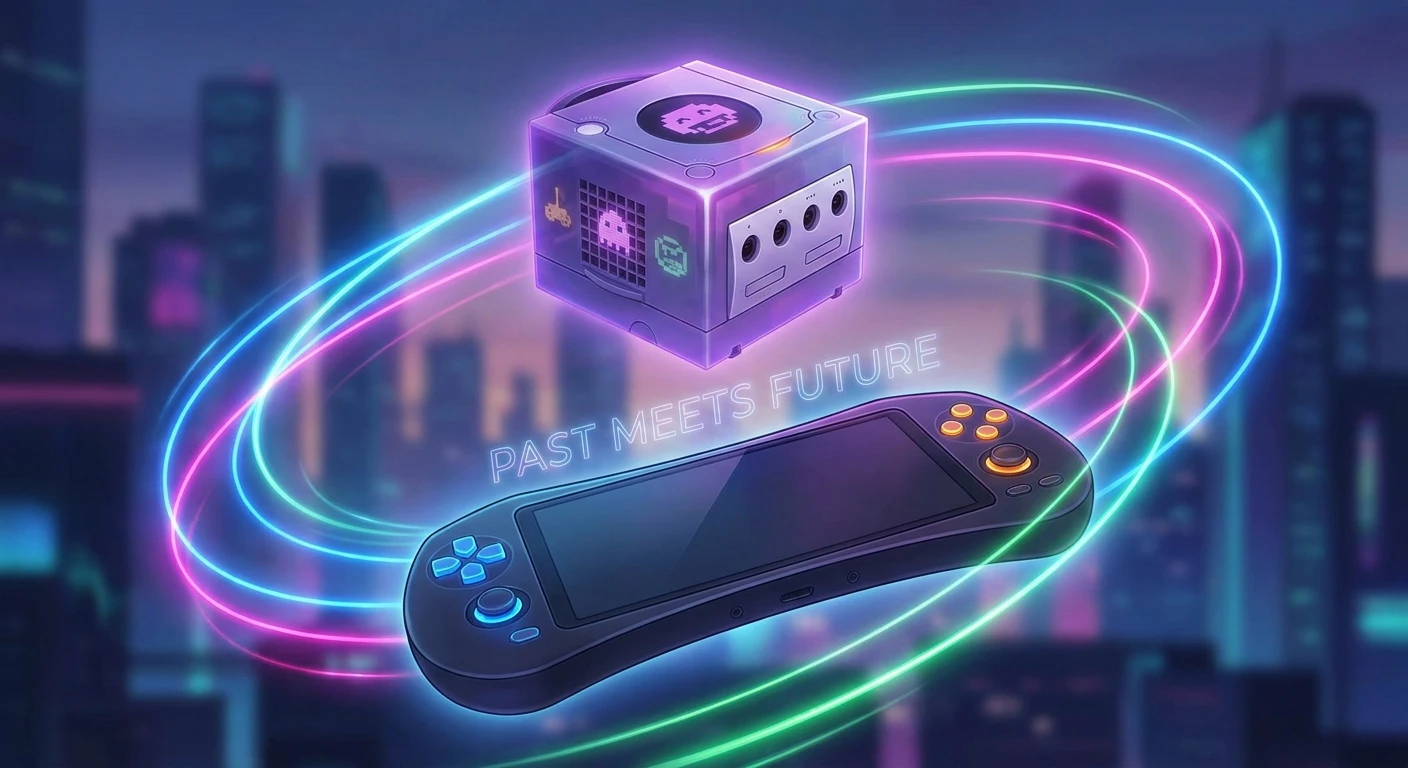
How to Play Gamecube Games on Switch Right Now
If you are trying to figure out how to play gamecube games on switch, you are definitely not the only one looking for that exact nostalgic fix. I was literally in the same boat last weekend. Picture this: I was sitting in my Kyiv apartment during a routine rolling blackout, relying on a massive 60,000mAh power bank to keep my router and my handheld console alive. The air raid sirens outside were frankly getting on my nerves, but I just wanted to escape into some pure, unadulterated nostalgia. I wanted the comforting sounds of Delfino Plaza to drown out the noise of the city.
It is wild to think about how much gaming has shifted. We constantly look backward to move forward, seeking out the classics that defined our childhoods. Playing those specific blocky discs on a modern portable screen feels like actual magic. You get the comfort of a handheld device mixed with the rich, deep gameplay mechanics that defined early 2000s gaming. My goal here is to explain exactly how this process works, what you need to know about the hardware, and why bringing these specific titles to your current portable setup makes so much sense right now. Let’s get straight to the facts.
The Massive Appeal of Portable Classics
Understanding the hype around this topic means looking at the sheer quality of that older library. The value proposition of getting these older, beloved titles running on your modern handheld is off the charts. First, you get genuine portability. You are no longer chained to a CRT television in a damp basement. Second, you often benefit from vastly improved display technologies. The OLED screen on newer handheld iterations makes those old, vibrant colors absolutely pop in ways the original developers probably never even imagined.
Think about a game like Paper Mario: The Thousand-Year Door or the original Luigi’s Mansion. When you render them through modern software environments, you are essentially upscaling the visual data. The jagged edges vanish. The textures look shockingly clean. It breathes entirely new life into software that is over two decades old.
| Gaming Method | Primary Benefit | Biggest Drawback |
|---|---|---|
| Original Hardware | Perfect authenticity and zero input lag | Requires old TVs and expensive physical discs |
| Official Remasters | Beautifully updated graphics and controls | Extremely limited selection of available games |
| Custom Emulation | Play your whole backed-up library anywhere | Requires technical setup and troubleshooting |
There are several massive reasons why maintaining access to this specific era of gaming is so critical for enthusiasts:
- Preservation of unique mechanics: That specific era experimented heavily with bizarre control schemes and asymmetrical gameplay that rarely exists now.
- Offline availability: Once the files are on your local storage, you never have to worry about server shutdowns or subscription checks.
- Controller flexibility: Using wireless modern pro controllers completely eliminates the tangled mess of cords that used to plague our living rooms.
The Origins of the Indigo Cube
Going back to the beginning, the actual release of the original purple lunchbox-shaped console in 2001 completely changed how Nintendo approached optical media. They bypassed standard DVDs for those adorable mini-discs, specifically to combat piracy and decrease loading times. It was a fascinating engineering choice that ultimately limited the storage space but created a fiercely loyal developer ecosystem. Developers had to optimize their code brilliantly to fit huge, sprawling adventures onto roughly 1.4 gigabytes of space.
The Evolution of Nintendo Porting
Fast forward through the years, the way companies handled backward compatibility shifted dramatically. The Wii natively accepted those old mini-discs, which was a brilliant stopgap. But as hardware moved away from optical drives entirely and fully embraced digital storefronts and solid-state flash memory, that direct physical compatibility died. The transition forced the community to start thinking about software-level translation layers. If the hardware could not read the disc, the software had to mimic the hardware.
The Modern State of Retro Gaming on the Go
Here we are in 2026, and the landscape of software emulation on portable ARM-based architecture has hit a staggering level of maturity. The processing headroom on handhelds finally allows for the brute-force calculation required to translate PowerPC architecture instructions on the fly. The community developers have spent countless hours refining the code, ensuring that the audio synchronization and frame pacing match the original hardware specs as closely as possible. It is a golden age for digital preservation.
The Hardware Bridge Between Generations
Bridging a 2001 PowerPC architecture with a modern ARM-based portable system requires immense computational heavy lifting. The original console utilized a custom IBM PowerPC CPU known as the Gekko, alongside an ATI graphics chip called Flipper. The modern handheld relies on an entirely different instruction set. To make them talk to each other, a software emulator must intercept every single instruction meant for the Gekko chip, translate it into something the ARM processor understands, and execute it, all within a fraction of a millisecond to prevent the frame rate from dropping.
Emulation Architecture Explained Simply
Think of emulation like having a live translator at a diplomatic meeting. The original game is speaking one language incredibly fast. Your handheld processor speaks a totally different language. The emulation software sits in the middle, listening to the game, rapidly translating the commands, and handing them to the processor. If the translator is too slow, the game stutters or crashes. This is why having optimized software is so critical.
- Just-In-Time (JIT) Compilation: The software translates code blocks on the fly and caches them, speeding up future requests significantly.
- Vulkan API Integration: Modern graphical backends allow the emulator to communicate directly with the GPU, reducing CPU overhead and improving battery life.
- Shader Pre-caching: Compiling visual effects before they appear on screen prevents those annoying micro-stutters when an explosion happens in-game.
- ROM Format Efficiency: Utilizing compressed formats like .rvz instead of raw .iso files saves massive amounts of space on your MicroSD card without losing data.
Step 1: Assess Your Console Model
Not every piece of hardware is built the same. Before attempting to run custom software, you absolutely must verify your serial number to see if your unit is vulnerable to the necessary payload injections. Early models have a hardware-level exploit that cannot be patched via firmware updates, making them the absolute best candidates for this process.
Step 2: Backup Your Original Game Discs
You need legal copies of your software. Using a compatible older console running a specific disc-dumping tool, you can rip your physical mini-discs directly to an SD card. This creates a clean 1:1 digital backup of the media you physically own, keeping you on the right side of digital preservation ethics.
Step 3: Prepare the Correct MicroSD Card
Speed is everything here. Grab a high-quality A2-rated MicroSD card. Format it to FAT32 to avoid data corruption issues that constantly plague exFAT setups on this specific hardware. A 512GB card is usually the sweet spot for storing multiple large backups alongside your standard system files.
Step 4: Configure the Emulation Environment
You will need to install a custom operating environment that allows unsigned code to run. Usually, people partition their SD card to run a custom build of Android or a dedicated Linux distribution specifically tailored for gaming. This bypasses the restrictive native OS completely, giving the emulator full access to the RAM and CPU.
Step 5: Map Your Controller Buttons
The original controller had a very weird, asymmetric layout with a giant green A button and kidney-bean shaped X and Y buttons. Plus, it had analog triggers with a satisfying digital click at the bottom. You need to jump into the emulator settings and carefully map these inputs to your modern pro controller. Setting the trigger deadzones correctly is crucial for games like Super Mario Sunshine.
Step 6: Optimize the Graphic Settings
Do not just crank everything to 4K. Your portable screen is only 720p or 1080p anyway. Set the internal resolution multiplier to 2x or 3x. Turn on the Vulkan backend for better performance, and enable anti-aliasing if you have some thermal headroom. Keep an eye on your frame counter to ensure stability.
Step 7: Launch and Test Your First Title
Load up something demanding, like F-Zero GX, to truly stress-test the system. If you can maintain a solid 60 frames per second through a chaotic race without audio crackling, your setup is essentially perfect. From there, you are ready to enjoy your entire library flawlessly.
Clearing Up Common Misconceptions
Myth: You need a massive, expensive gaming PC to emulate that specific 128-bit era.
Reality: The ARM chips inside modern portables are incredibly capable. With optimized code and Vulkan rendering, a standard handheld device handles these tasks brilliantly with very little thermal throttling.
Myth: Playing these files on a modern screen looks stretched and blurry.
Reality: Emulators allow you to apply widescreen hacks and resolution upscaling. Instead of looking blurry, they actually look significantly crisper than they did on your old childhood CRT television.
Myth: Customizing your system instantly ruins your battery life.
Reality: Running an optimized emulator often draws about the same amount of wattage as playing a native, graphically intense modern 3D title. Your battery life will be roughly comparable.
Myth: The official digital storefront already provides all of these titles anyway.
Reality: The official retro offerings are heavily focused on much older cartridge-based systems. The 128-bit disc era is largely ignored by official subscription services.
Is it legal to play these files?
Yes, as long as you are dumping the digital files directly from the physical retail discs that you personally own, format-shifting for personal backup use is generally recognized as a legal practice in most jurisdictions.
Do I need a physical memory card?
No, the emulation software creates a virtual memory card directly on your MicroSD storage. You have virtually unlimited save space.
Will my console overheat?
It will get warm, similar to running a massive open-world native game. However, the system has built-in thermal limits and will safely shut down long before any actual heat damage occurs.
Can I play multiplayer wirelessly?
Yes! You can connect multiple bluetooth controllers to your handheld at once, making local split-screen sessions perfectly viable for games like Mario Kart: Double Dash.
Does the official controller adapter work?
If you boot into an Android or Linux environment on your portable, many custom setups include USB drivers that recognize the official multi-tap adapter through the dock.
Are frame drops common?
Occasional shader compilation stutters can happen during the first few minutes of a game. Once the cache is built, the framerate usually locks in beautifully.
Can I transfer my old save files?
If you have a modded original console or a specialized memory card reader, you can extract your old .gci save files and drop them directly into the emulator’s save directory.
Do motion controls work for older games?
Those specific older titles did not use motion controls natively. However, you can use software to map gyro movements to the right analog stick for better aiming in shooters.
Bringing these incredible retro experiences to a modern, portable format fundamentally changes how you interact with them. It bridges the gap between the comfortable nostalgia of the past and the brilliant hardware conveniences we enjoy today. Get your MicroSD card ready, back up your favorite childhood discs, and start building the ultimate portable retro machine. The effort is absolutely worth the reward.

Leave a Reply