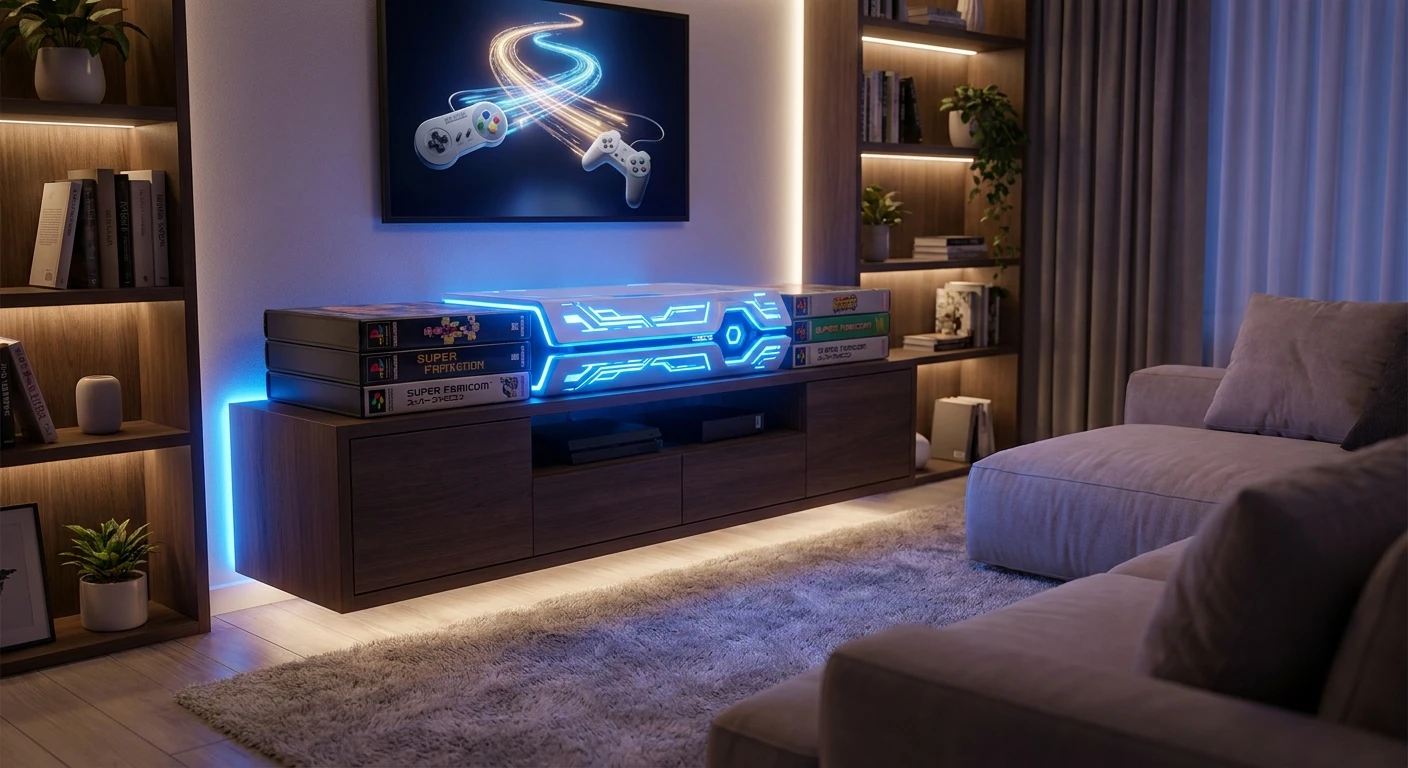
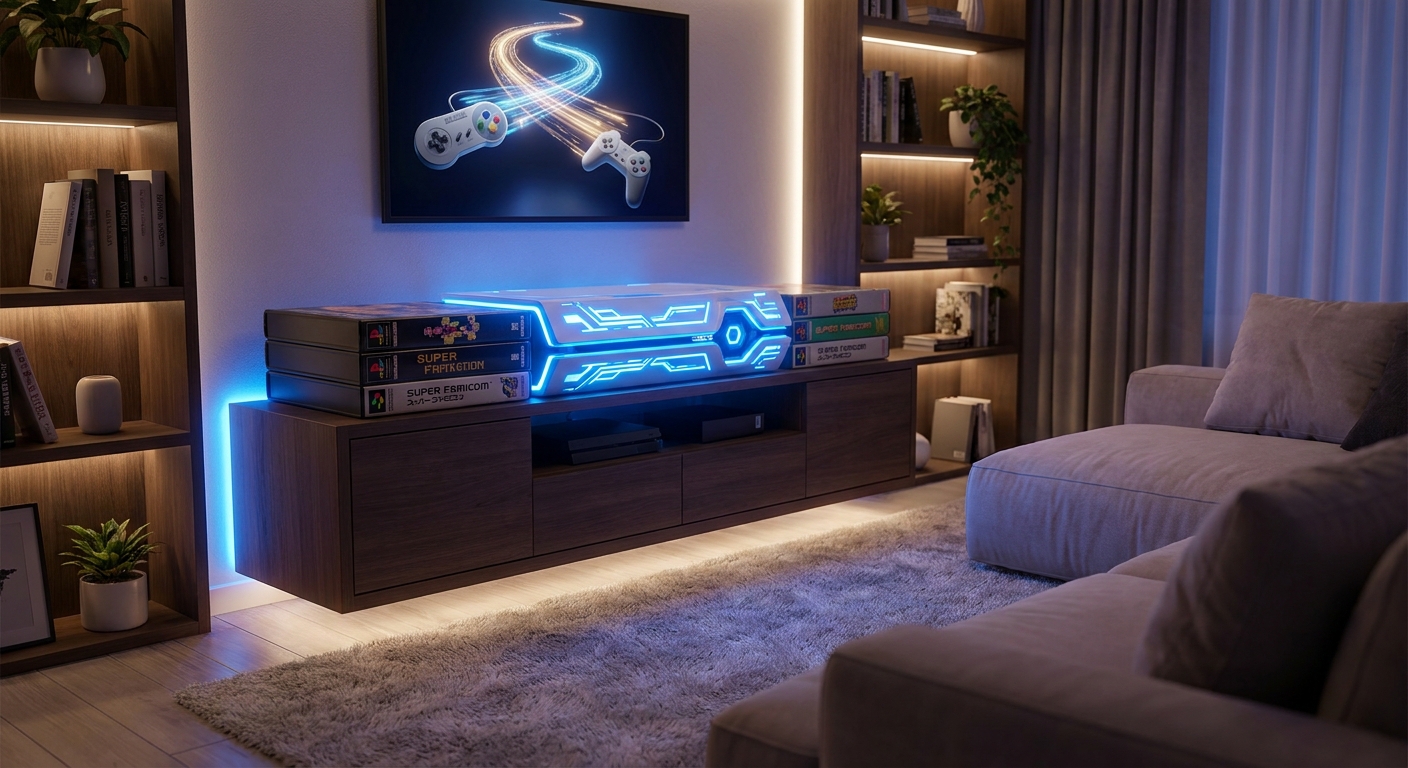
How do ps4 games work on ps5 for Every Gamer
If you just bought a brand-new console and you are staring at a massive stack of older discs, you are definitely asking yourself: do ps4 games work on ps5 without jumping through crazy hoops? Yes, they absolutely do. You do not need to throw away your favorite titles or rebuy digital versions just because you upgraded your hardware. I remember sitting in my apartment in Kyiv during the heavy winter blackouts, staring at my shiny new console powered by a portable power station, terrified that my huge collection of previous-generation discs was now just useless plastic. I had spent years collecting those gems from local gaming shops around Ukraine, and the thought of starting from scratch was painful. Thankfully, backward compatibility is completely real and incredibly seamless.
This guide breaks down everything you need to know about playing your older library on the newest hardware. We will skip the boring jargon and get straight to the point: how your saves transfer, which titles get massive visual boosts, and what happens to your virtual reality gear. The short answer is a massive relief for anyone who spent a small fortune on gaming over the last decade. Let us walk through the exact steps and technical wizardry that makes your old collection look and run better than ever before.
When you pop an older disc into the new machine, it does not just act like a basic emulator. The hardware is designed from the ground up to recognize and natively run almost the entire previous generation’s catalog. The sheer value proposition here is massive. Instead of forcing you to purchase expensive remastered editions, the console uses its extra horsepower to stabilize frame rates and drastically reduce load times. For example, playing a chaotic open-world game like Days Gone on the older hardware often resulted in massive frame drops when fighting hordes, but now it runs flawlessly at a locked sixty frames per second. Another great example is Ghost of Tsushima, where fast travel literally takes one second instead of thirty.
Here is a quick look at how different media formats interact with the two console versions currently on the market:
| Game Format | Disc Edition Console | Digital Edition Console |
|---|---|---|
| Physical Discs | Fully Supported | Not Supported |
| Digital Downloads | Fully Supported | Fully Supported |
| PSVR 1 Titles | Requires Free Camera Adaptor | Requires Free Camera Adaptor |
If you want to migrate your entire gaming life to the new system without losing your hard-earned platinum trophies and save data, you need to follow a few specific rules. Here is how you securely transfer everything:
- Use the official Wi-Fi Data Transfer utility found in the system settings to copy your entire library and saves directly over your home network.
- Upload your crucial save files to the official cloud storage using your active online subscription, then simply download them on the new machine.
- Grab a standard USB flash drive, copy your save files from the old menu, and plug it right into the front port of the new hardware for a manual copy.
By sticking to these straightforward methods, you guarantee a painless transition, keeping hundreds of hours of progress completely safe.
The Origins of Backward Compatibility
To truly understand the hardware magic happening today, we need to look back at the origins of backward compatibility. In the early days of console gaming, upgrading to a new system meant leaving your entire library behind. Sony initially introduced backward compatibility with their second major console, which literally had the previous generation’s chips soldered right onto the motherboard. This hardware-based approach was incredibly expensive but set a gold standard for the industry. Gamers loved it, but as technology advanced, maintaining that physical hardware bridge became financially impossible for manufacturers.
Evolution Through the Generations
As we moved into the third and fourth generations, the strategy shifted dramatically. The third console famously dropped hardware support to cut costs, relying heavily on cloud streaming services and digital repurchases to bridge the gap. It frustrated millions of gamers who felt their physical collections were being held hostage. The fourth generation launched with zero backward compatibility, a decision driven by completely different architectural designs. You simply could not translate the complex proprietary cell processor language to standard PC-like architecture easily. Gamers demanded a return to the consumer-friendly days of playing whatever you already owned.
The Modern State of Console Hardware
Now, sitting here in 2026, the modern state of gaming has finally corrected those past mistakes. Because both the fourth and fifth generation consoles share a very similar underlying x86 architecture, the new hardware does not have to emulate the old games; it essentially speaks the exact same programming language, just vastly faster. This seamless integration means over 99% of the previous library works natively out of the box. The modern era prioritizes consumer retention. Companies know that if your entire library easily moves with you, you are far less likely to switch to a competitor’s platform. The transition is practically invisible to the user. You just insert a disc or click download, and the system handles the complex background verification instantly. It is a massive win for digital preservation and consumer rights.
Understanding the Custom Processor Architecture
Let us get a little bit nerdy and talk about the actual silicon making this possible. At the heart of the new machine is a highly customized processor paired with an incredibly fast graphics architecture. But how does that supercomputer brain talk to older software safely? It comes down to a feature called hardware-level instruction matching. Instead of running a clunky software emulator—which is basically a fake digital console running inside the real console, eating up massive amounts of memory—the new processor actually steps down its clock speeds to perfectly mimic the older hardware when needed. It is like an Olympic sprinter purposefully matching the jogging pace of a friend, but retaining the ability to sprint instantly when the game asks for a faster loading speed. This ensures the legacy code does not crash from running too fast.
Game Boost and Solid State Drives
The second massive technical leap is the custom Solid State Drive (SSD) and the I/O complex. Older games were specifically programmed to hide load times by forcing players to walk slowly through narrow corridors or ride long elevators. The old mechanical hard drives simply could not read data fast enough. The new SSD reads data virtually instantly, which drastically alters how the background engine fetches textures.
Here are the core technical facts about why these older titles perform significantly better on new hardware:
- Dynamic Resolution Scaling: The new GPU automatically maximizes the resolution ceiling, pushing dynamic engines to full 4K without breaking a sweat.
- Uncapped Frame Rates: If an older title was programmed with an unlocked frame rate, the new processor brute-forces it to a perfectly stable 60 fps.
- Anisotropic Filtering: The hardware automatically applies 16x texture filtering to old code, making blurry ground textures look incredibly sharp at steep angles.
- Custom I/O Throughput: The system eliminates texture pop-in because the custom decompression block feeds data directly to the GPU memory, bypassing the central processor entirely.
If you are bringing a massive backlog of titles into the new ecosystem, here is a clear, step-by-step 7-day plan to seamlessly upgrade, transfer, and optimize your entire gaming library.
Day 1: Audit and Update Your Old System
Before unplugging anything, turn on your previous generation console. Connect it to the internet and ensure it is running the latest system software. This prevents any critical handshake errors during the data transfer process.
Day 2: Secure Your Cloud Saves
Navigate to your storage settings and manually push every single save file to the cloud. Do not trust auto-upload completely. Make sure your most precious role-playing game saves are confirmed as uploaded to the server.
Day 3: Perform the Network Transfer
Boot up both consoles, connect them to the exact same Wi-Fi router, and use the official transfer tool. This will pull all your digital licenses and user profiles over to the new hardware securely and efficiently.
Day 4: Install the Disc Base Files
If you have physical copies, start inserting them into the new machine. Let the console copy the base data from the disc. Remember, the disc must remain in the drive every time you want to play that specific title.
Day 5: Trigger the Next-Gen Patches
Many older blockbusters have free upgrade patches. Go to the game hub on your dashboard, click the three little dots next to the Play button, and explicitly select the upgraded version to start downloading the high-resolution texture packs.
Day 6: Configure Your External Drive
To save precious internal SSD space, plug in an external USB 3.0 hard drive. Go into the storage settings and set the console to automatically install all older generation titles strictly to the external drive.
Day 7: Re-sync Your Trophies and Play
Open your profile, force a manual trophy sync with the server, and launch your favorite classic. Double-check your in-game settings to ensure you are selecting the Performance Mode for maximum frame rates. Enjoy your upgraded library.
Let us clear up some of the most stubborn rumors floating around gaming forums regarding older titles.
Myth: You have to pay a massive fee to unlock backward compatibility on your new console.
Reality: Playing your existing discs or digital downloads is completely free. You only pay if a publisher decides to charge for a highly specific Director’s Cut visual upgrade, but the base game will always run for free.
Myth: Using old discs will permanently damage the ultra-fast internal disc drive.
Reality: The optical drive is completely standard and fully designed to spin previous generation Blu-rays safely. It causes zero harm to the laser or the internal motor.
Myth: Cross-generation multiplayer is impossible, meaning you cannot play with friends on older hardware.
Reality: Most popular multiplayer shooters and sports titles support full cross-generation play. You can easily join a party chat and dominate matches with your friends regardless of which specific Sony box they currently own.
Do physical discs require an internet connection?
No, single-player physical discs will install and run entirely offline without any issues.
Can I use my old controllers for these games?
Yes! You can connect your older gamepads to play previous-generation games natively.
Will my old virtual reality headset work?
Yes, but you absolutely need to request a free camera adapter from the official manufacturer.
Are there any games that do not work at all?
There is a very tiny list of about ten obscure indie titles that display a not supported warning.
Do loading times really get faster on an external drive?
Yes, standard external solid state drives will load older code significantly faster than the old console ever could.
Can I install previous generation games on the internal SSD?
You definitely can, but it is much smarter to save that premium internal space for modern, exclusive releases.
Does 3D audio work on older titles?
Absolutely, the new hardware applies its custom 3D audio processing to all standard stereo and surround sound outputs automatically.
To wrap things up, bringing your beloved gaming library into 2026 is incredibly simple and highly rewarding. The hardware respects your past purchases and breathes fresh life into aging code. Pull out those old discs, dust them off, and experience them the way they were always meant to be played! Have you tried upgrading your favorite classic yet? Drop a comment below and share your transfer experience with the community right now!


Leave a Reply