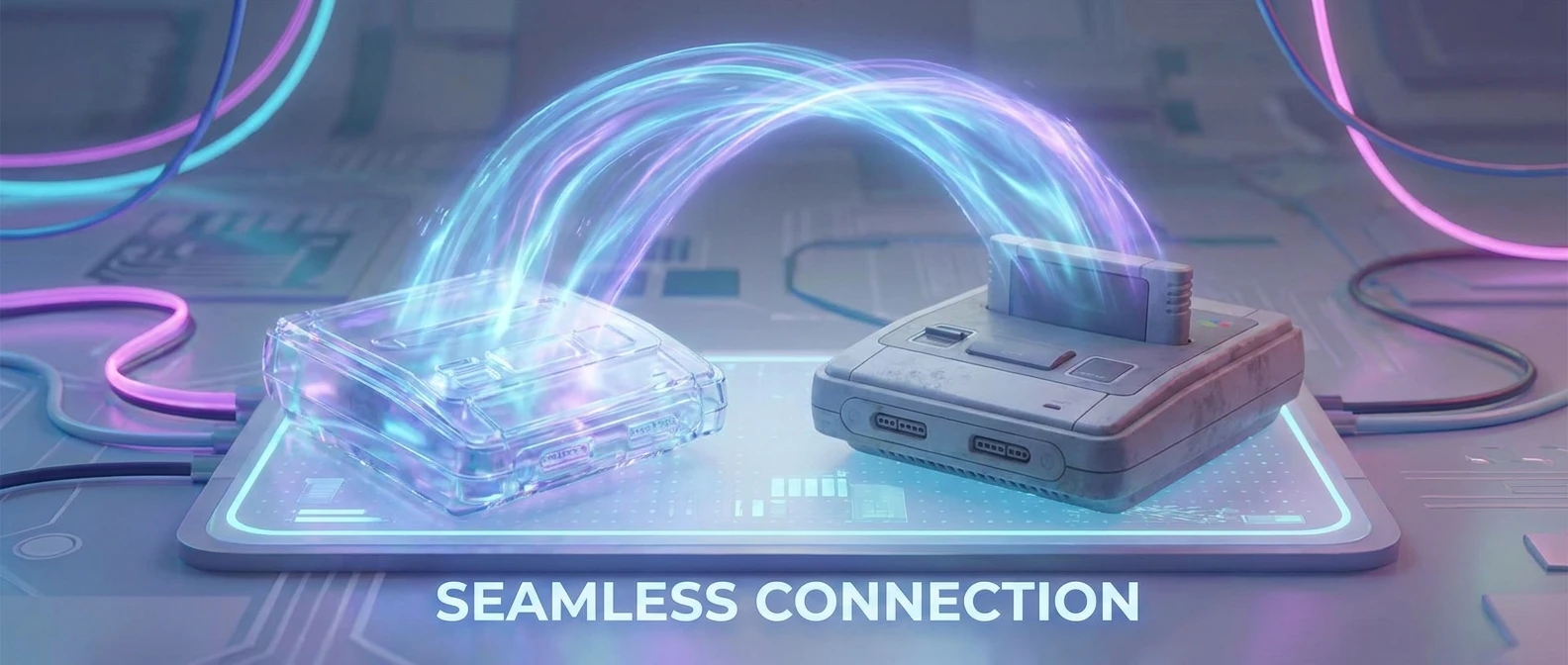
Can PS4 Games Be Played On PS5? The Real Story
Look, you just unpacked that massive white monolith, connected the HDMI, and now you have a burning question. You are probably staring at your shelf of plastic cases and asking, can ps4 games be played on ps5 without jumping through annoying hoops? The short answer is absolutely yes. The long answer is yes, and the experience is glorious.
Back in Kyiv, after a long stint of unreliable power grids, I finally sat down with my brand-new console. I had a huge stack of older discs purchased from the Petrovka market over the years. I spent serious money on those titles, and the thought of leaving them behind was totally heartbreaking. I really wanted to keep my progress in Bloodborne and my massive, customized garage in Gran Turismo without starting from scratch.
You can migrate your entire library seamlessly. Bringing your older catalog over to the new hardware is highly beneficial, incredibly straightforward, and a massive time-saver. You do not have to leave your past gaming memories in the dust. You get to keep your saves, your hard-earned trophies, and your entire digital purchase history. It is basically the best upgrade path Sony has ever created. Let me walk you through exactly how this system works, why it fundamentally changes the way you interact with your library, and the exact steps you need to take right now to get your favorite older software running faster and smoother than ever before.
Running older software on the newer hardware is not just a cheap gimmick; it completely revitalizes titles you thought you were finished with. The backward compatibility engine built directly into the system handles all the heavy lifting, meaning you get vastly better frame rates, significantly reduced loading screens, and stabilized dynamic resolutions without developers needing to patch anything manually.
You get two massive value propositions here. First, your wallet stays happy. You do not need to buy expensive “Remastered” editions if the original code already runs flawlessly. Second, the visual and performance upgrades feel like a free hardware boost. Games that used to stutter heavily during intense, explosion-filled action sequences now run at a locked, buttery-smooth sixty frames per second.
Here is a quick breakdown of what you can expect when making the jump to the newer hardware:
| Feature | Original Hardware Experience | New Hardware Experience |
|---|---|---|
| Loading Times | Up to 2 minutes for heavy open worlds | Often under 15 seconds |
| Frame Rates | Locked at 30fps, frequent drops | Smooth 60fps via Game Boost |
| Resolution | Dynamic 1080p scaling | Checkerboard or native 4K scaling |
The practical benefits of this system are immense. Listen, there are a few primary ways this setup adds serious, undeniable value to your daily gaming routine:
- Instant access to your backlog: You plug in your external hard drive, and hundreds of titles are instantly playable. No massive downloading sessions required if they are already installed.
- Enhanced system stability: Action-heavy moments that used to make your old console fan sound like a jet engine taking off now pass by in total, beautiful silence.
- Cross-generation multiplayer: You can stay in the same party chat and play the same multiplayer matches with your friends who haven’t upgraded their systems yet.
It is truly seamless. You just pop the physical disc in or hit download on your digital dashboard, and the sophisticated operating system handles the rest.
The Origins of PlayStation Backward Compatibility
Sony has a weird, rollercoaster history with letting you play older titles on new machines. If you remember the jump from the original grey box to the PS2, it was practically magic. You just put the black-bottomed disc into the tray, and it worked flawlessly. It set a massive industry standard at the time. People expected their libraries to move forward with them indefinitely. However, things got extremely complicated as technology advanced and corporate strategies shifted.
Evolution Through the Console Generations
Then came the infamous PS3 era. The very first heavy models literally had PS2 hardware crammed inside them on the motherboard. They were ridiculously expensive to manufacture, but they played everything perfectly. Eventually, Sony stripped that feature out entirely to cut retail costs, leaving millions of fans frustrated. By the time the PS4 launched, the internal architecture was so radically different—moving from the notoriously complex Cell processor to a standard PC-like x86 setup—that backward compatibility was completely abandoned. We had to rely on cloud streaming services or buying expensive remasters just to replay the classics. It felt like a massive step backward for consumer rights and game preservation.
The Modern State of Cross-Generation Gaming
Sony definitely learned a harsh lesson from that backlash. Fast forward to the present day, especially now that it is 2026, and backward compatibility is essentially a mandatory feature for any major hardware manufacturer. Gamers refuse to abandon their digital ecosystems. Because the newest hardware shares the exact same fundamental x86-64 architecture as its predecessor, the software engineers managed to make the transition incredibly smooth. They built the new operating system to inherently understand the old code without emulation overhead. You are no longer trapped by generation lines. The modern state of gaming means your library is persistent, tying itself strictly to your network account rather than a specific piece of plastic sitting under your television.
Architectural Similarities: The x86 Magic
Let me explain why this works so flawlessly without sounding like a college engineering professor. Both generations of these consoles use AMD processors based on the x86-64 architecture. Think of it like two people speaking the exact same language, but one person just thinks and talks way faster. Because the foundational coding language is identical, the new console doesn’t need to frantically translate the code on the fly. It natively understands the instructions instantly. The newer, custom Zen 2 processor easily throttles itself down to simulate the older Jaguar chip when needed, preventing older software from crashing or glitching due to the extreme speed difference.
How Game Boost Translates Code Seamlessly
Game Boost is the invisible software magic happening behind the scenes. When you boot up an older title, the system basically tells the game engine, “Hey, you have access to way more horsepower now, use all of it.” It unlocks frame rate caps and forces the dynamic resolution algorithms to stay at their absolute maximum visual targets constantly.
Here are the hardcore scientific facts behind why your older titles run so much better now:
- Custom SSD Controller: The sheer data throughput of the internal solid-state drive eliminates annoying texture pop-in. Data streams at over 5.5 GB/s, destroying old mechanical drive bottlenecks.
- RDNA 2 GPU Scaling: The sophisticated graphics unit natively supports older GCN instruction sets at a hardware level, ensuring complete visual accuracy without weird graphical glitches.
- Kraken Compression Technology: The system utilizes advanced hardware-based decompression, meaning old, massive asset files load practically instantaneously into the unified memory pool.
- Optimized I/O Complex: Instead of the main processor desperately hunting for files, a dedicated custom chip directs data traffic smoothly, freeing up system resources to maintain perfectly stable frame rates during heavy action.
You want to get everything moved over right now. I completely understand the rush to jump in. Here is your ultimate, step-by-step checklist to migrate your entire gaming life to the new system without losing a single hour of save file progress.
Step 1: Update Your Firmware To The Latest Version
Before you even think about transferring sensitive data, make sure both of your machines are running the absolute latest system software. Connect them to the internet and check for updates in the main settings menu. This ensures the communication protocols between the two devices are perfectly synced up and ready to handshake.
Step 2: Connect Both Consoles To The Same Wi-Fi Network
For a massive data migration over your home network, you need them talking to each other directly. Hook both systems up to the same router. Honestly, if you have spare Ethernet cables, plug them both directly into the back of the router. It will save you literally hours of transfer time compared to a standard wireless connection.
Step 3: Utilize Cloud Storage For Save Files
If you have the premium online subscription service, just upload all your vital save data to the cloud directly from the old machine. Then, turn on the new machine, navigate to your saved data management menu, and download everything locally. It takes about five minutes and guarantees your hundred-hour RPG saves are safe from corruption.
Step 4: Insert The Physical Disc Or Locate Your Digital Library
If you are a traditional physical collector, just slide the disc into the drive. The installation will begin automatically in the background. If you buy everything digitally, log into your account, go to the Game Library tab at the far right of the home screen, filter by your older purchases, and simply hit download.
Step 5: Download Required Next-Gen Patches
Many high-profile titles received specific patches that unlock better graphics. Once the base file is completely installed, press the options button on the controller while hovering over the game icon on the dashboard and select “Check for Update”. Let it pull the newest optimization patches from the servers.
Step 6: Transfer Data via External USB Storage
Have a massive 2TB hard drive full of installed software? Just safely unplug it from the old box and plug it directly into the back USB ports of the new one. The system instantly recognizes the drive format and all the software on it. Boom, instant library restoration.
Step 7: Verify The Performance Modes In Settings
Some older software requires you to manually select a performance mode to get the benefits. Go into the in-game settings menu and look for “Performance” or “Resolution” toggles. Always pick Performance. The frame rate boost completely changes the responsive feel of the gameplay.
People spread a ton of nonsense online about how backward compatibility actually functions. Let’s clear the air and permanently crush some of these persistent rumors.
Myth: You have to buy the game twice if you want to play it on the newer hardware.
Reality: Absolutely false. Your existing physical discs and digital network licenses carry over completely for free. You own the software, and you firmly retain access to it.
Myth: Your old save files are completely locked to the old console’s hard drive.
Reality: Nope! Moving saves is incredibly easy. You can use a standard USB thumb drive, a direct Wi-Fi network transfer, or the cloud storage system to move everything over in just a few minutes.
Myth: Old games look and play exactly the same on the new system.
Reality: Not even close. Thanks to the built-in Game Boost technology, most legacy titles benefit heavily from locked 60fps frame rates, drastically faster loading times, and much higher dynamic resolutions.
Myth: External hard drives are entirely useless now.
Reality: You can plug your old external USB drive directly into the new hardware and play older titles straight from it seamlessly, saving your precious internal SSD space for next-gen exclusives.
Still have a few lingering questions holding you back? Here is a rapid-fire rundown of the most common issues and questions people face when making the hardware jump.
Can I use my DualShock 4 controller?
Yes, you definitely can! However, it strictly only works when playing older generation software. You cannot use it to play brand-new system exclusives.
Do my digital purchases transfer automatically?
As long as you sign in with the exact same account credentials, your entire digital purchase history is sitting securely waiting for you in the library tab.
Is the original PS VR hardware supported?
Yes, but you need to order a free camera adapter directly from Sony to plug the old proprietary camera cord into the new console’s standard USB ports.
Are there any completely incompatible games?
There is a very, very tiny list of obscure titles that do not work at all. We are talking less than ten highly specific games out of a massive library of over four thousand.
Will my earned trophies carry over?
Absolutely. Trophies are permanently tied to your network account profile, not the physical box sitting on your desk. Everything syncs perfectly.
Do I strictly need a premium subscription to move saves?
No. While the cloud storage makes it easier, you can absolutely use a cheap USB flash drive to copy saves over manually for zero extra cost.
Can I play online with friends on older hardware?
Yes! Cross-generation multiplayer works beautifully. You can easily join voice parties and multiplayer lobbies with friends who haven’t upgraded yet.
So, there you have it. The transition between these generations is practically effortless. You keep your beloved library, you get significantly better performance across the board, and your digital gaming life continues without missing a single beat. Go grab that old hard drive, plug it in, and enjoy your massive collection all over again! Share this setup guide with your squad so they finally understand exactly how easy it is to upgrade.

Leave a Reply