Is Party Animals Crossplay? The Definitive Guide
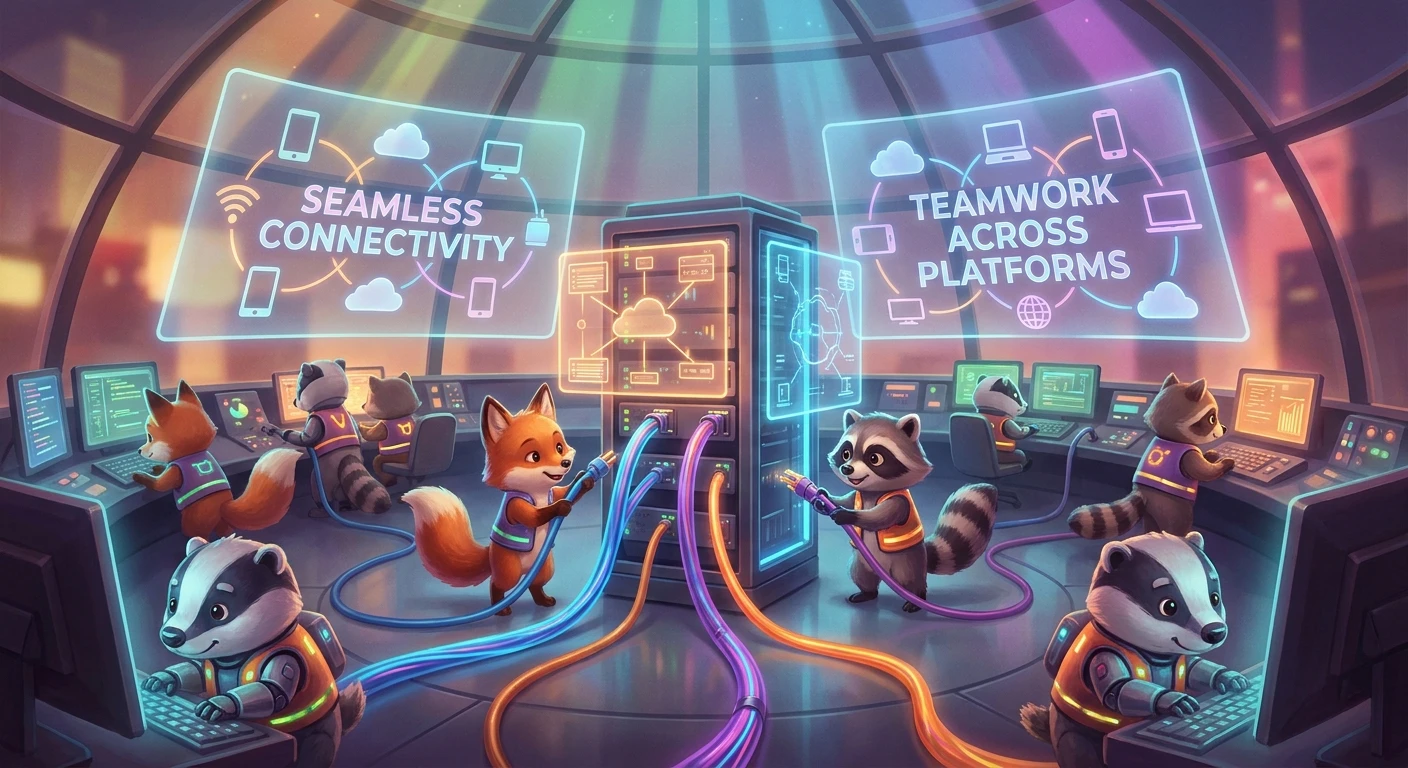
When trying to gather your gaming group for a weekend of hilarious, floppy physics-based action, you probably find yourself asking: is party animals crossplay? You will be thrilled to know that the answer is a resounding yes. Recreate Games designed this beloved brawler with full cross-platform compatibility right out of the gate. Whether your friends are loading up the game on a high-end gaming PC via Steam, using the Windows Store, or kicking back on the couch with an Xbox Series X|S or Xbox One, everyone can join the exact same lobby.
This seamless integration between different hardware ecosystems entirely removes the friction usually associated with multiplayer gaming. You no longer need to convince your entire friend group to buy the exact same console just to enjoy a few rounds together. The unified architecture ensures that PC players and console players experience the exact same chaotic fun without any artificial barriers keeping them apart. The traditional walled gardens of console gaming have fallen entirely here. Throughout this comprehensive breakdown, we are going to explore exactly how this networking magic operates, why it fundamentally benefits the community, and how you can flawlessly add your friends across different devices to start your next great gaming session.
Read also: Is Stardew Valley Crossplay? Platform Compatibility Guide; Xbox Games Coming to PS5: The Big Console Strategy Shift.
The implementation of a completely unified matchmaking pool brings monumental advantages to the player base. Let us break down the core value proposition of having everybody under one digital roof. First and foremost, you save substantial amounts of money. Nobody has to purchase secondary hardware or rebuy the game just to participate in the fun. Secondly, the community remains highly active and vibrant long after the initial launch window because the matchmaking queues draw from a massive, combined audience rather than fragmented platform populations.
Here is a quick look at the platform compatibility landscape for the game:
| Hardware Platform | Digital Storefront | Cross-Platform Support |
|---|---|---|
| Personal Computer (PC) | Steam | Fully Supported |
| Personal Computer (PC) | Windows / Xbox App | Fully Supported |
| Xbox Consoles | Xbox Live (Series X|S, One) | Fully Supported |
When developers successfully merge player bases, the entire community reaps the rewards. The benefits of this system go far beyond simply playing together on a Saturday night. Here are the most significant advantages that a unified ecosystem provides:
- Considerably Faster Matchmaking: By combining PC and Xbox users into a single queue, the servers locate available opponents in a fraction of the time it would take if the platforms were isolated into separate matchmaking pools.
- Unified Social Hub: The game utilizes a proprietary ID system that functions independently of your Steam or Xbox Live account, allowing you to maintain a single, consolidated list of friends that travels with you.
- Equal Playing Field: Because the core mechanics rely heavily on stamina management and physics manipulation rather than pinpoint shooting accuracy, mixing controller users with keyboard and mouse players creates a perfectly balanced competitive environment.
Setting up your sessions is incredibly straightforward. The menus are intuitive, designed specifically to ensure that the cross-platform functionality feels totally invisible. You simply boot up the game, pull up the social menu, and your entire roster of friends is right there, regardless of the plastic box sitting under their television or the operating system running on their desk.
The Origins of Unified Matchmaking
To truly appreciate the current state of the game, we need to look back at how the developers approached multiplayer from the very beginning. When the initial demo dropped in late 2020, it became a massive viral sensation, largely restricted to PC users on Steam. Streamers broadcasted the floppy antics to millions, and the overwhelming demand immediately highlighted a clear necessity: the final product needed to reach as many players as possible simultaneously. Recreate Games realized that fragmenting their booming audience across isolated platform islands would ultimately harm the longevity of their physics-based brawler.
The Evolution of Party Animals Multiplayer
During the extended development cycle between the initial viral demo and the official 2023 release, the studio partnered closely with Microsoft. This collaboration proved crucial for the game’s ultimate success. Integrating Xbox infrastructure seamlessly with Steam infrastructure is historically a massive engineering hurdle. The development team invested significant resources into building a bespoke backend system capable of handling the erratic, physics-heavy calculations required by the game’s engine. They understood that a chaotic brawler relies entirely on precise server synchronization, necessitating a robust network foundation built from scratch.
The Modern State of Cross-Platform Brawling
Today, the networking ecosystem stands as a brilliant example of modern game design. The launch successfully bridged the gap between console and PC users immediately on day one without major server meltdowns. Microsoft’s Xbox Game Pass inclusion further amplified the player count, injecting millions of unique users into the unified matchmaking servers. The developers continue to actively refine the netcode, ensuring that updates deploy simultaneously across all platforms so that no segment of the community ever falls behind on new maps, skins, or balance changes. This guaranteed parity cements the title as a staple for modern multiplayer gatherings.
Understanding Multiplayer Netcode
When a dog punches a dinosaur in a digital arena, the underlying technology making that collision happen across two different operating systems is remarkably complex. The game operates on an authoritative client-server architecture. Instead of one player’s machine acting as the host, all players connect to a neutral dedicated server. This central server dictates the absolute truth of the physics simulation. If you are playing on a high-end PC and your friend is on a standard Xbox One, the server processes the exact location of your characters, the momentum of your swings, and the resulting ragdoll physics, then broadcasts that data back to both screens. This prevents the classic host-advantage problem found in older peer-to-peer multiplayer titles.
Server Synchronization Across Devices
Maintaining parity between disparate hardware requires clever engineering tricks, particularly when dealing with unpredictable physics interactions. Here are the core technical facts that make this seamless connectivity function:
- Fixed Tick Rates: The dedicated servers update the game state at a strict, consistent frequency, ensuring that the physics engine behaves predictably regardless of a local machine’s graphical frame rate.
- Input Latency Buffering: The system employs subtle predictive algorithms to mask minor network fluctuations, keeping movement feeling responsive even when ping fluctuates rapidly between platforms.
- Authoritative Physics Calculations: All collision detection happens server-side, preventing localized hardware advantages and ensuring that a knockout blow registers exactly the same way for every player in the lobby.
- Platform-Agnostic Authentication: The backend utilizes token-based handshakes to verify users securely, functioning entirely independently of Microsoft or Valve’s proprietary account systems.
This robust technical foundation ensures that when a hilarious interaction happens on screen, every single participant experiences that identical moment of chaos, completely unaware of the complex mathematics bridging their different devices. The synchronization standardizes network traffic so that a dropped packet on a wireless connection does not break the simulation for everyone else.
Step 1: Locate Your In-Game Friend ID
The first thing you need to do is launch the game and navigate directly to the main menu. Look for the social icon situated in the bottom right corner of your screen. Clicking this reveals your unique in-game identification number, which acts as your universal passport across all platforms.
Step 2: Share Your ID with Friends
Copy this distinct string of characters and send it to your friends through Discord, text message, or whichever communication app you prefer. Because platform-specific usernames can overlap or vary wildly, this unique numerical code guarantees you are adding the correct person.
Step 3: Navigate to the Social Menu
Have your friend open their own game on their respective console or PC. They must open the exact same social panel from their main menu, which serves as the central hub for all networking and community activities within the software.
Step 4: Input the Target Crossplay ID
Inside the social panel, there is a dedicated search bar specifically designed for locating other accounts. Type the numerical code exactly as it appears. The system searches the universal backend database rather than relying on the localized Xbox or Steam directories.
Step 5: Send and Accept Friend Requests
Once the correct profile populates on the screen, hit the add friend button. The request instantly pushes to your account, generating an on-screen notification. Accept the request to permanently link your profiles within the custom in-game directory.
Step 6: Create a Custom Lobby
With your friend securely on your list, navigate back to the main menu and select the option to host a custom match. Choose your preferred maps, adjust the physics modifiers to your liking, and set the lobby to private so random internet users cannot interrupt your session.
Step 7: Invite Cross-Platform Players to the Match
Open the lobby menu and select the empty player slots. Your newly populated universal friend list will appear. Simply select your friends’ names and send the invites. They will receive an instantaneous prompt to join your lobby, completely bypassing any native console user interface restrictions.
Despite the seamless nature of modern multiplayer, plenty of misconceptions still circulate regarding cross-platform functionality. We need to clear up the confusion so you know exactly what to expect. Myth: PC users possess a massive, unfair advantage over console players due to keyboard and mouse controls. Reality: The chaotic, stamina-based physics mechanics actually favor the smooth, analog movement of a traditional controller. Keyboard users do not have an inherent mechanical edge. Myth: Mixing different hardware platforms in a single lobby causes severe latency spikes and network lag for everyone involved. Reality: Network performance depends entirely on individual ping to the central dedicated servers, not the specific hardware your opponents are utilizing. The centralized netcode normalizes the connection. Myth: You must purchase multiple copies of the game on different digital storefronts to link your accounts together. Reality: You only need to purchase one single copy on your platform of choice. The built-in social system connects you with anyone else globally without requiring extra purchases. Myth: Crossplay mandates linking intrusive third-party publisher accounts to your main profile. Reality: The game generates a seamless internal identification number automatically without forcing you to register for external publisher websites.
Does Party Animals support cross-progression?
Currently, the game focuses solely on cross-platform multiplayer. Your unlocked skins, premium currency, and account level progression remain entirely tied to the specific ecosystem where you originally purchased the title.
Can I turn off crossplay in Party Animals?
While the game thrives on an open player pool, users do have the option to restrict matchmaking within the settings menu if they prefer to only encounter players utilizing their native hardware ecosystem.
Is voice chat supported across different platforms?
Absolutely. The built-in voice over IP system functions seamlessly regardless of the hardware you are running, allowing you to freely communicate and strategize with your cross-platform teammates without needing third-party applications.
Will the game release on PlayStation or Switch?
The developers have expressed genuine interest in expanding to other consoles eventually, though the initial launch window prioritized heavy optimization for PC and the Xbox ecosystem exclusively.
Can Steam players invite Xbox players directly?
You cannot use the native Steam overlay to invite an Xbox user directly. You must utilize the proprietary in-game social menu to send and receive those specific cross-platform invitations.
Are updates synced across all platforms?
Yes, the development studio forces strict update parity. Steam and Xbox clients receive software patches simultaneously to prevent any version mismatches from breaking multiplayer compatibility.
Does crossplay require an Xbox Game Pass subscription?
Console users require an active subscription to access online multiplayer features, while PC users playing via Steam only need their standard internet connection to access the servers.
Wrapping up our comprehensive overview, the robust networking infrastructure ensures that answering is party animals crossplay? is a genuine delight for gamers everywhere. Get out there, add your friends across all devices, and enjoy the hilarious, floppy chaos together!

Leave a Reply