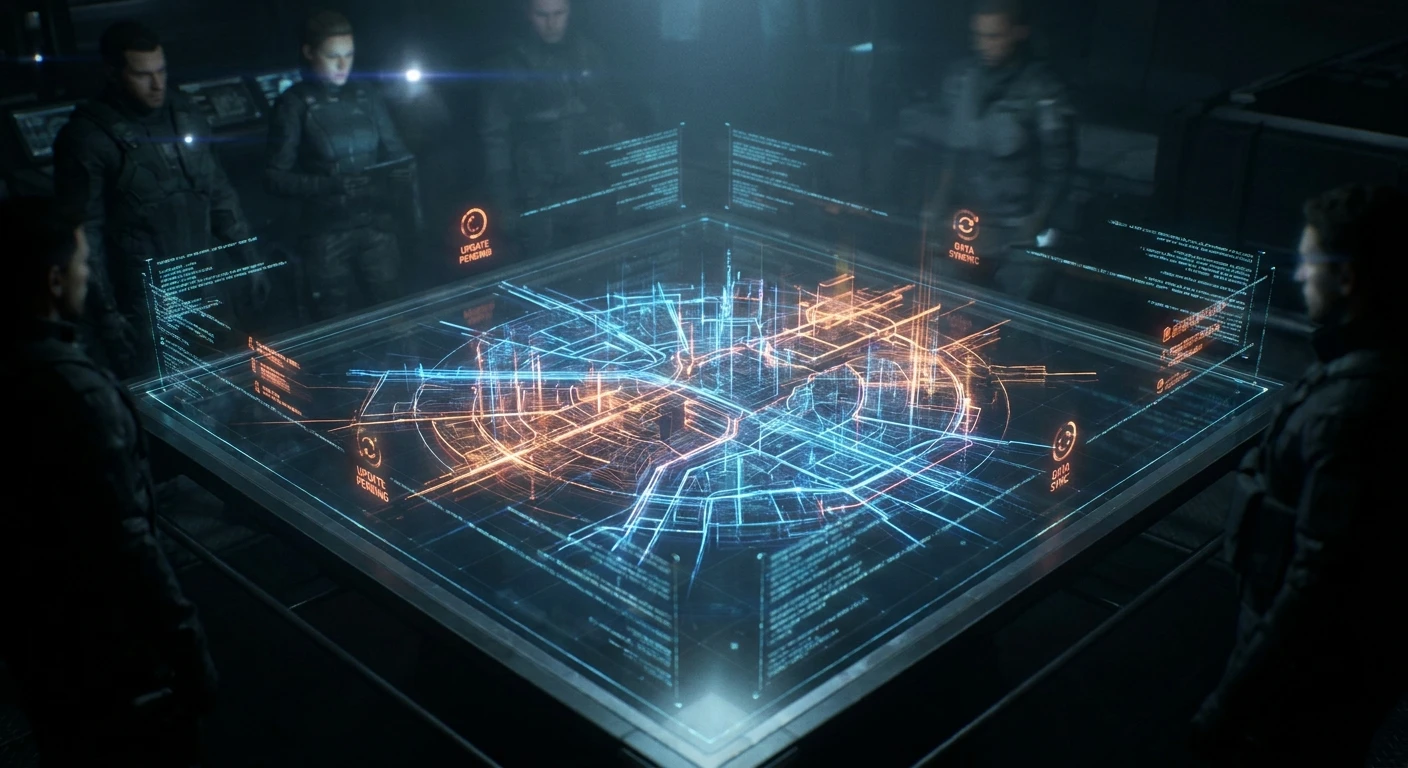
Decoding the Latest cod warzone patch notes for Competitive Players
Man, keeping up with the new cod warzone patch notes feels like a full-time job these days. You blink, and suddenly your favorite submachine gun shoots marshmallows, and the sniper you abandoned last season is suddenly hitting headshots across the map. We are tearing down exactly what changed, why your go-to loadout might feel totally broken right now, and how you can adapt fast without completely losing your mind in the gulag.
Sitting in a coffee shop in Kyiv during a blackout last winter, my squad and I were furiously refreshing our phones just trying to see if the rumored movement speed nerf was real before we burned through our laptop batteries. Now that we are deep into 2026, the updates drop so fast and furiously that you practically need a data science degree just to build a decent loadout. Let me save you the headache. If you want to stop getting beamed out of the sky by players who read the fine print, you have to understand the math behind the updates.
The beauty of tracking these changes lies in the raw advantage it gives you over casual lobbies. Most players just drop in, pick up ground loot, and complain when they lose a gunfight. By the time you finish reading this, you will have a rock-solid grasp on the specific adjustments, the hidden developer intentions, and the exact mechanics that dictate the current meta.
The Core Mechanics: Why the Details Matter
Understanding the exact numbers buried in the update logs is the only way to genuinely improve your win rate. The developers love tweaking micro-stats that completely alter the time-to-kill (TTK). If an update reduces your weapon’s minimum damage by just two points, that can mean an extra bullet is required to down an enemy at fifty meters. That extra bullet translates to milliseconds, which is the precise margin between surviving a final circle and spectating the rest of the match.
Knowing the precise values gives you a distinct edge in two massive ways. First, you start winning more one-on-one gunfights simply because you understand your weapon’s optimal engagement distance better than your opponent does. Second, your map rotations become vastly superior because you know exactly which points of interest (POIs) received loot density buffs or redeploy balloon adjustments.
| Gameplay Feature | Previous Patch State | Current Update State |
|---|---|---|
| Slide Cancel Delay | 400ms sprint-out time | 250ms sprint-out time |
| Heavy Sniper Ammo | One-shot kill at any range | One-shot kill up to 75 meters |
| Urzikstan Bunker Loot | High chance of self-revive | Increased chance of killstreaks |
To fully capitalize on the evolving battlefield, you have to integrate this knowledge immediately. Here are the top three reasons you absolutely must read the update logs before your first drop:
- Immediate Loadout Optimization: You can immediately swap out attachments that received stealth nerfs, such as suppressors that suddenly hurt bullet velocity.
- Superior Map Positioning: Recognizing shifting circle algorithms and altered buy station spawns prevents you from getting caught out in the open gas.
- Economy Management: Knowing the adjusted prices for UAVs and custom weapons allows your squad to plan their looting paths more efficiently.
The Origins of Update Culture
If you have been playing battle royales since the beginning, you know that detailed update logs were not always a thing. Back in the early days of Verdansk, players had to rely on community members manually testing weapons frame-by-frame to figure out what changed. The developers would drop a massive gigabyte update, say “various bug fixes and weapon tuning,” and leave millions of players completely in the dark. It created a massive disconnect between the studio and the highly competitive player base, leading to immense frustration when a beloved gun was silently ruined.
Evolution of Meta Shifts
Eventually, the developers realized that transparency actually drives player engagement. They began releasing extensive documents detailing the exact percentage changes to recoil patterns, aim-down-sight speeds, and sprint-to-fire times. This era birthed the “spreadsheet meta,” where content creators built entire careers analyzing the decimal point changes. The community shifted from playing purely on feeling to playing heavily on raw data. Weapons were no longer just “good” or “bad”—they were mathematical equations waiting to be solved on the firing range.
The Modern State of Adjustments
Currently in 2026, the update process is a massive, highly anticipated event. Developers provide extensive context for every single change, explaining their philosophical reasoning behind nerfing a specific shotgun or buffing a tactical grenade. The updates are localized, categorized, and even debated live on social media by the lead designers. We have reached a point where the community and the developers engage in a constant push-and-pull feedback loop, making the game infinitely more dynamic but also significantly harder to track for the average weekend warrior.
Netcode and Tick Rate Explained
Beyond simple weapon buffs, the technical backbone of the game frequently receives massive overhauls that dictate how your hits register. When you hear people complaining about “ghost bullets” or getting shot around corners, that usually traces back to server tick rates and netcode efficiency. The server tick rate is essentially how many times per second the game server updates the position of every player and bullet on the map. If the developers upgrade server performance or optimize the way the client interpolates data, your shots will feel significantly crisper, and hit registration will align more closely with your crosshairs.
Hitbox Algorithms and TTK Math
Hitbox multipliers are another crucial element hidden inside the technical data. A bullet to the upper chest might deal forty damage, while a bullet to the stomach deals thirty-two. When developers adjust these multipliers, they drastically alter the Time to Kill (TTK) without ever touching the weapon’s base damage. You might find a gun that requires perfect chest shots to be viable, whereas previously, you could aim anywhere on the body.
- Interpolation Delay: Updates often fine-tune the delay between what you see on your monitor and what the server records, minimizing the “peeker’s advantage.”
- Lag Compensation Algorithms: Developers regularly adjust how the game handles players with high ping to ensure fairness in fast-paced gunfights.
- Audio Engine Overhauls: Frequency equalization adjustments dictate whether you can hear enemy footsteps through walls or if the wind ambient noise masks them entirely.
- Rendering Optimization: Changes to how foliage and shadows are rendered can massively impact your frame rate and visual clarity in dense environments.
Step 1: Read the Developer Rationale
Do not just look at the red and green arrows indicating buffs and nerfs. Take the time to read the paragraphs where the developers explain *why* they made the change. If they state they want a specific assault rifle to strictly be a long-range option, you immediately know not to build it for close-quarters mobility. Understanding their vision prevents you from fighting against the intended design of the weapon.
Step 2: Test the Nerfed Weapons First
Your first instinct might be to equip the newly buffed guns, but you should actually jump into the firing range with your old, nerfed loadouts. You need to physically feel the difference in recoil or damage drop-off. Sometimes a “nerf” on paper barely affects how the gun handles in actual combat, meaning you can keep using your favorite setup while everyone else abandons it.
Step 3: Explore Altered Drop Zones
Load into a solo match specifically to explore map changes. If a POI got its loot density reduced, you need to know exactly how barren it is before you drag your entire squad there in a ranked match. Check the new zipline placements, test the vaulting mechanics on modified buildings, and memorize the new sightlines.
Step 4: Rebuild Custom Loadouts
Clear out your old custom classes. Start fresh based on the new data. Equip attachments that counter the specific nerfs your weapons received. If visual recoil was increased across the board, start heavily favoring optics that provide a cleaner picture over ones that simply offer higher zoom levels.
Step 5: Adjust Controller Settings
Frequently, aim assist mechanics or deadzone inputs get minor tweaks under the hood. Hop into a private lobby and spend fifteen minutes shooting bots. Adjust your sensitivity, your custom zoom sensitivity multipliers, and your deadzones until your tracking feels smooth and responsive again.
Step 6: Practice the Movement Tech
If tactical sprint durations, slide distances, or mantle speeds have been touched, you need muscle memory adaptation. Spend an entire plunder match just moving around the map. Do not worry about getting kills; worry about successfully chaining slides and jumps without hitting a movement penalty wall.
Step 7: Play Testing in Resurgence
Finally, take your new knowledge into a fast-paced game mode like Resurgence. The constant respawning allows you to test your updated loadouts in dozens of gunfights per match. If your new build is losing consistently to ground loot, you know you need to head back to the drawing board.
Myth: Stealth nerfs do not happen anymore.
Reality: Even with massive transparency, developers still implement stealth adjustments, usually by accident. When they adjust global code governing bullet velocity or flinch, it often unintentionally affects legacy weapons that were not listed in the official documents.
Myth: Using the absolute meta weapon guarantees you will win more fights.
Reality: The absolute meta weapon is often balanced around a high skill ceiling. If a highly tuned submachine gun has extreme vertical recoil, a casual player will miss most of their shots. You are better off using a slightly weaker weapon that you can control perfectly.
Myth: Movement speed is constantly being nerfed to help bad players.
Reality: Developers adjust movement mechanics to stabilize the server load and fix broken camera mechanics, not just to penalize aggressive playstyles. When players move faster than the tick rate can handle, the entire hit registration system falls apart.
Myth: The developers ignore community feedback regarding bugs.
Reality: Fixing a bug is incredibly complex. A single change to fixing an infinite stim glitch might break the armor plating animation. The delay in fixes is almost always due to rigorous quality assurance testing, not malicious ignorance.
How often do these updates typically drop?
Major overhauls usually hit at the launch of a new season and the mid-season “Reloaded” update. However, minor balancing tweaks and bug hotfixes can drop every Tuesday or Thursday depending on the severity of game-breaking glitches.
Do console players get the files at the same time as PC?
Yes, all platforms receive the updates simultaneously to maintain cross-play integrity. However, the download sizes can vary wildly depending on how PlayStation or Xbox handles file compression compared to PC launchers.
What exactly is a hotfix?
A hotfix is a rapid, server-side patch that does not require the player to download a massive file. They are generally used to disable broken weapons, fix instant-crash bugs, or revert accidental economy changes.
Where can I find older update logs?
The official developer blogs archive every single document. Community wikis and dedicated Reddit threads also keep historical records, which is fascinating if you want to see how a specific gun has evolved over three years.
Do weapon blueprints change the actual base stats?
No. Blueprints only change the cosmetic appearance and provide a pre-built selection of attachments. The base damage, fire rate, and mobility are exactly identical to the standard version of the gun.
What does TTK actually mean in practical terms?
Time to Kill (TTK) is the absolute minimum time required to eliminate a fully plated player if every single bullet lands perfectly. A lower TTK means you die faster; a higher TTK requires more sustained accuracy.
How do minor map changes impact my frame rate?
When developers add new weather effects, denser foliage, or complex building geometry, it puts more stress on your graphics card. You might need to lower your texture resolution slightly after a massive map overhaul to maintain a smooth 120 frames per second.
Keeping your finger on the pulse of the cod warzone patch notes is the ultimate secret weapon. You cannot rely on pure aim alone when the rules of the environment change underneath your feet every few weeks. Study the mechanics, test your updated loadouts, and stop letting the competition outsmart you. Grab your squad, optimize your setups based on the fresh data, and go dominate the lobby right now.

Leave a Reply