How to Get Parrot Off Shoulder Minecraft: Complete Walkthrough
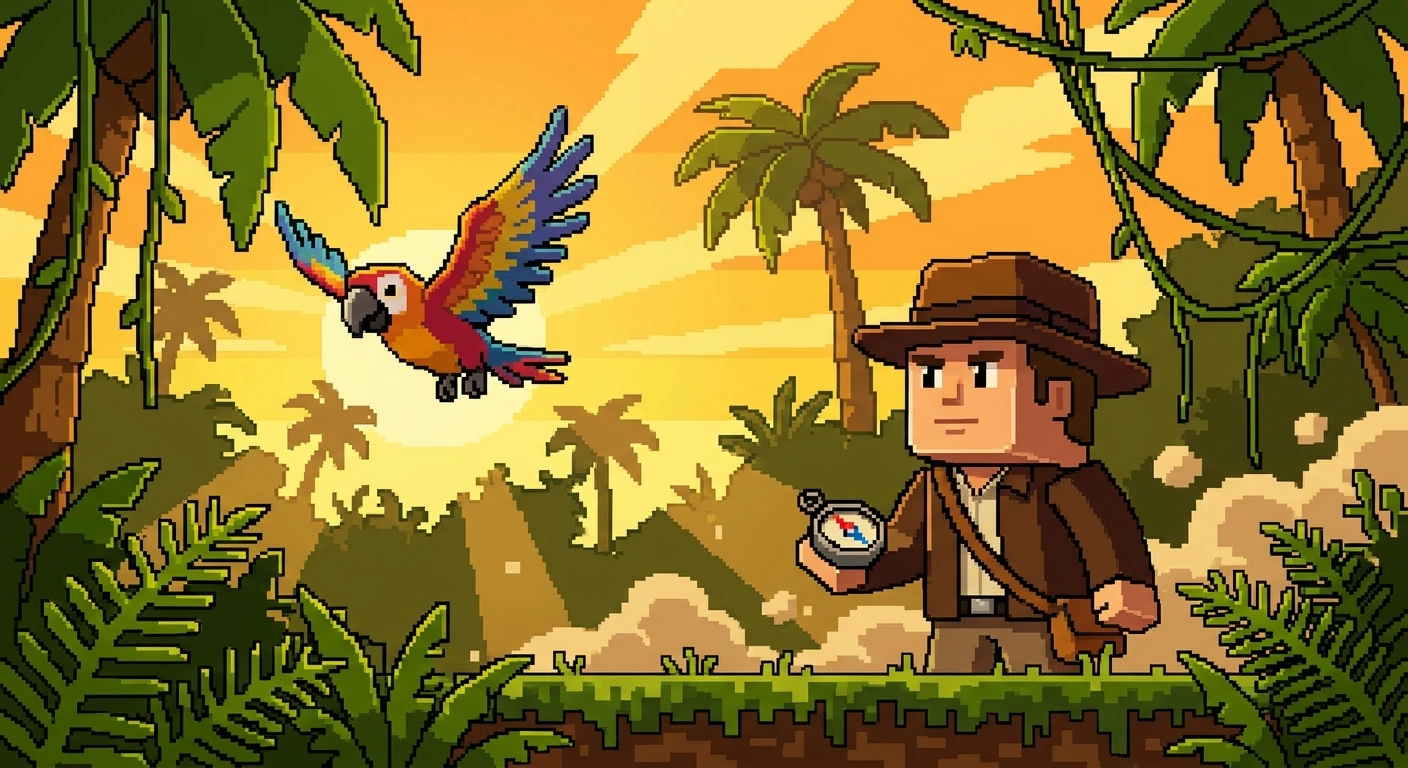
Figuring out exactly how to get parrot off shoulder minecraft is a standard rite of passage for players exploring dense jungle biomes. Once you tame these colorful avian companions with a handful of wheat seeds, melon seeds, or pumpkin seeds, they immediately seek out the highest point on your player character. While having a brightly colored bird mimicking zombie groans or creeper hisses adds a brilliant layer of immersion to your survival world, there are many situations where a perched mob becomes an active liability. Whether you are preparing to engage in intense player-versus-environment combat, planning to navigate the treacherous lava lakes of the Nether, or simply trying to organize your storage room without visual obstruction, mastering the dismount mechanic is essential.
The mechanics governing entity stacking in this block-building universe are remarkably strict. Your avian companion does not dismount based on a timer or random chance; rather, the game requires specific physical triggers linked to your player character’s movement and environment. Removing the mob involves manipulating your vertical axis, interacting with specific liquid blocks, or altering your player state. Understanding the underlying physics ensures you can manage your pets effectively, keeping them safe from explosive damage while keeping your own field of vision clear for architectural projects.
Read also: Finding the Exact Skippy Location Cyberpunk Guide; Finding the Shadowy Figure Stardew: A Complete Quest Guide.
Core Strategies for Avian Dismounting
When you are managing tamed mobs, relying on consistent game physics is the smartest approach. The game engine looks for specific status changes to update the entity data attached to your player character. Here is a breakdown of the primary techniques designed to separate your character from the perched mob.
| Action | Effectiveness | Best Situation |
|---|---|---|
| Walking off a ledge | Instant and completely safe | General base building and exploring |
| Submerging in water | Immediate forced dismount | Navigating near rivers or oceans |
| Taking direct damage | Risky but effective | Unexpected combat encounters |
To safely detach the companion without causing it accidental harm, rely on these three primary methods:
- The Elevation Drop: Step off any block structure that creates a fall distance greater than half a block. Simply walking down a standard staircase or dropping from a crafting table will instantly force the entity to detach.
- The Liquid Reset: Walk into a body of water deep enough to submerge your character’s feet. The moment your player state registers as touching a water source block, the companion is ejected to prevent drowning.
- The Bed Interaction: Right-click on any standard bed to initiate the sleep sequence. Entering the resting state automatically clears any shoulder-mounted entities, leaving them safely waiting on the floor when morning arrives.
Origins of the Avian Companions
The introduction of jungle birds fundamentally changed how players interacted with the game’s ambient environment. Added during the monumental World of Color Update (Version 1.12), these creatures brought unprecedented behavioral complexity to the standard passive mob roster. Before their inclusion, pets like wolves and ocelots followed the player on the ground, but the development team wanted a creature that physically interacted with the player model.
Evolution of Perching Mechanics
Early iterations of the perching mechanic were surprisingly rigid. Initially, players experienced significant frustration because the conditions for removing the companion were overly sensitive. Even minor mouse movements or slight elevation changes caused the bird to detach unintentionally. Over subsequent patches, the developers refined the bounding box and movement thresholds, establishing the current system where only a deliberate downward drop, submersion in liquids, or taking damage triggers the separation sequence.
Modern State of Mob Interactions
Today, the game handles perched companions through an elegant integration of NBT (Named Binary Tag) data. When the mob sits on you, it ceases to exist as an independent physical entity in the game world and is instead temporarily written into your player data as a tag. This modern implementation drastically reduces server lag and prevents the mob from accidentally taking damage from environmental hazards while attached to you. The dismount action is simply the game reading a trigger event and translating that NBT data back into a physical mob.
Elevation Hitboxes and Fall Thresholds
Understanding the exact mathematical thresholds of the game engine makes managing your pets entirely predictable. The core code dictates that a player must experience a negative Y-axis velocity corresponding to a drop of more than 0.5 blocks. Because standard slabs are exactly 0.5 blocks tall, walking down a slab staircase will not trigger the dismount. However, dropping from a full 1.0 block will immediately sever the connection. This specific calculation prevents annoying accidental dismounts while traversing slightly uneven terrain.
Block Updates and Liquid States
The interaction between player states and specific block tags is another technical marvel. When a player’s bounding box intersects with a block possessing the liquid tag, the game initiates a safety protocol.
- Water source blocks force an immediate dismount, causing the bird to float upward to prevent suffocation.
- Flowing water carries the same tag and works equally well.
- Lava forces a dismount but simultaneously applies extreme fire damage, usually resulting in the immediate loss of the pet.
- Powder snow functions similarly to a solid block drop, though prolonged exposure causes freezing damage to the separated mob.
Step 1: Locate a Safe Drop Zone
The first phase of safely managing your companion involves environment scanning. Always identify an area free from hostile mobs, lava pits, or deep ravines. When you force the separation, the mob materializes adjacent to your character. Ensuring the surrounding blocks are solid and hazard-free guarantees your pet will not spawn directly into danger.
Step 2: Calculate the Fall Distance
Look for a standard elevation change. A single block of dirt, a wooden plank, or a cobblestone step provides the perfect height. Verify that the drop is at least one full block, as half-slabs and carpets will not register a sufficient Y-axis change to trigger the game’s release code.
Step 3: Execute a Controlled Jump
If you cannot find a ledge, you can manufacture the necessary Y-axis velocity yourself. Simply press the jump key while standing on flat ground. The upward momentum does nothing, but the subsequent fall back to the ground registers as a sufficient elevation drop, instantly placing the companion on the block you land on.
Step 4: Use a Water Bucket Drop
For players who prefer specialized tools, carrying an iron bucket filled with water is an excellent strategy. Aim at the block directly at your feet and empty the bucket. The momentary creation of a water block updates your player state to swimming, ejecting the companion. Immediately scoop the liquid back up to prevent creating an unwanted mess.
Step 5: Navigate Bed Interactions
When night falls, finding a bed offers a peaceful resolution. As you interact with the bed, your player model rotates horizontally. The game engine cannot support perched entities on a horizontal model, forcing a gentle and completely safe dismount beside the bed structure.
Step 6: Avoid Fire and Lava Sources
Never attempt to reset your player state using fire, magma blocks, or lava. While taking damage from these sources will technically force the separation, the newly materialized mob will likely inherit the fire damage or spawn directly into the hazard. Always prioritize non-damaging removal methods.
Step 7: Command the Mob to Sit
Once the creature is successfully detached, immediately face it and use the secondary interaction button (right-click) to issue the sit command. This final step anchors them to the current block, preventing them from immediately flying back up to your model the moment you walk past them again.
Myth: Sneaking Drops the Companion
Myth: Pressing the shift key to crouch will easily force the bird to fly away.
Reality: While crouching historically affected many entity interactions, sneaking does not remove a perched companion in modern game versions. You can crouch, build bridging across the void, and sneak through tight tunnels with the bird remaining perfectly secure on your model.
Myth: Elytra Flight Removes Them
Myth: Activating your Elytra wings and taking to the sky automatically clears your shoulders.
Reality: The physics engine actually allows them to remain attached during smooth flight. They only detach if your flight path includes a sharp downward trajectory that mimics standard falling damage thresholds, or if you crash into a solid wall and take kinetic damage.
Myth: Portal Travel Severs the Bond
Myth: Walking through a Nether or End portal permanently deletes attached companions.
Reality: Traveling through dimensions while they are attached is entirely safe. Because they are stored as NBT data on your player character, they simply travel through the loading screen with you and remain securely mounted when you generate into the new dimension.
Do companions take fall damage when dropped?
No, they possess a unique slow-falling mechanic that prevents them from taking any kinetic damage when they flutter down to the ground.
Can a shield block them from leaving?
Deploying a shield changes your character’s animation but does not alter your Y-axis velocity or bounding box state, meaning it has no effect on attached mobs.
Does taking damage remove them?
Yes, any instance of player damage, whether from a zombie strike, an arrow, or starvation, will instantly force the entity to detach.
Do they dismount in boats?
Entering a boat alters your player model state significantly and will force any attached creatures to hop off onto the surrounding terrain.
What if I ride a horse?
Mounting a horse or a minecart operates under vehicle interaction rules, which typically force attached shoulder entities to dismount to prevent visual clipping bugs.
Will they dismount if I throw an Ender Pearl?
Yes, the teleportation effect of an Ender Pearl calculates as a sudden shift in position and applies a small amount of fall damage, both of which trigger an immediate dismount.
How do I get them back on?
Once they are unseated, simply ensure they are not in the sitting position, then walk directly into their hitbox. They will automatically fly up and reattach to your player model.
Mastering these specific physics thresholds allows you to navigate your survival world with complete control over your tamed creatures. Whenever you find yourself wondering how to get parrot off shoulder minecraft, remember that a simple one-block drop, a quick splash of water, or a peaceful night in a bed is all it takes to reset your character state safely. Equip yourself with this technical knowledge, secure your base, and enjoy a hazard-free building experience on your next big adventure!



Leave a Reply